
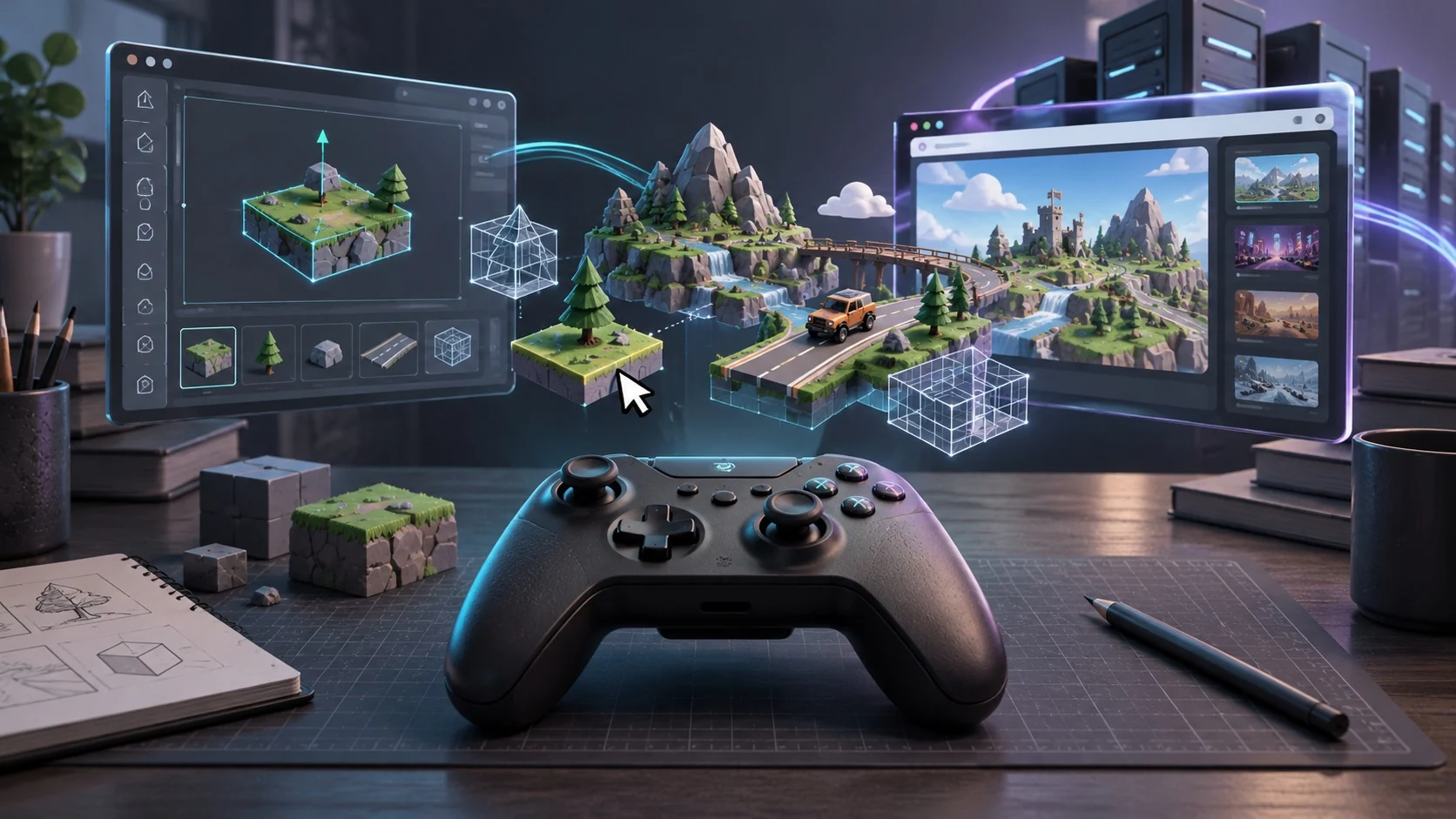
Creating a playable experience with AI is exciting, but what happens when you want to take that project further? You might want to edit its mechanics, hire a developer, publish it somewhere else, or keep a local copy for future development. That is when export options become important.
An AI-generated preview and a portable development project are not necessarily the same thing. One may let people play through a browser link, while the other provides editable files that can be opened, modified, and maintained independently. Understanding this difference helps creators make better decisions before investing significant time in a project.
If your goal is to make your own game and eventually turn it into a larger project, portability deserves attention from the beginning. You should know what you can access, what you can preserve, and which parts may remain connected to the original creation environment.
This guide explains what game export actually involves, which files matter, how to evaluate portability, and what to check before choosing a long-term development workflow.
What Does Exporting an AI-Made Game Actually Mean?
Exporting means taking some or all of a game’s development materials out of its original creation environment. However, the word can describe several different things, and they do not offer the same level of control.
For example, downloading a playable version gives you something people can run. Downloading the editable project gives you materials that another developer may be able to continue working on. A public sharing link provides access to the experience but does not necessarily give you either type of download.
Before selecting an AI game maker, understand these distinctions:
- Playable build: A version prepared for players to access on a supported device or platform.
- Source code: The underlying programming instructions used to control the experience.
- Project files: The organized development materials, including scenes, configurations, scripts, and other resources.
- Asset files: Individual graphics, animations, audio files, and other creative resources.
- Hosted game link: An online address through which visitors can access a published experience.
These outputs serve different purposes. A playable build might be sufficient for sharing a small project, but a developer who wants to change its underlying systems will need more than a public link.
Source Code vs. Downloadable Game Files: Know the Difference
One of the biggest misunderstandings around game export is assuming that receiving a download means receiving the complete development project.
A downloadable package might contain only the files required to run the experience. It may not include the original editable structure, development settings, or resources needed to continue building it.
Source code is particularly important when you want to understand how the game works. It can reveal how movement, interactions, scoring, menus, and other mechanics are implemented. However, having the code does not automatically mean the project will work outside its original environment.
Consider the following differences:
| Deliverable | Main purpose | What it allows |
| Public game link | Sharing | Visitors can access the hosted experience |
| Playable build | Distribution | Players can run the exported version |
| Source code | Development | Developers can inspect and modify the logic |
| Complete project | Continued development | The project can potentially be reopened and maintained |
| Asset package | Creative reuse | Individual resources can be used in other workflows |
A good game builder should make it clear which deliverables are available rather than presenting every download option as equivalent.
What Should a Complete Game Export Contain?
Think beyond the main playable screen. A project often relies on several interconnected resources, and missing just one important component can prevent it from running correctly.
The exact file structure depends on the development environment and target platform. Nevertheless, creators should look for the following components when evaluating an export.
- Game logic: Scripts or other editable instructions controlling the experience.
- Visual resources: Character designs, backgrounds, textures, interface elements, and animations.
- Audio resources: Music, sound effects, and other audio assets.
- Configuration files: Settings that define how the project starts and operates.
- Dependencies: Libraries, plugins, or external components required by the project.
- Build instructions: Information explaining how to prepare the project for another environment.
A package containing these resources is generally more useful for continued development than a single playable file.
However, even a seemingly complete download needs testing. Some projects reference online resources or services that remain hosted elsewhere. If those connections disappear, certain features may stop working.
When Can You Build a Game Without Depending on Its Original Platform?
Portability becomes especially important when a small prototype starts attracting attention. You may initially be happy with a hosted experience, but your priorities can change as you receive feedback and develop new ideas.
For example, you might want to introduce more complex mechanics, work with another developer, create a desktop version, or move your project to infrastructure you manage yourself.
A no-code game maker can make the initial creation process much easier, but ease of creation and freedom to move a project are two separate considerations.
Before committing to a long-term workflow, ask:
- Can I download the complete development project?
- Can I access and modify the underlying logic?
- Can another developer open the exported files?
- Can I host the playable version independently?
- Will the project still work if I stop using the original platform?
These questions help you distinguish a convenient creation experience from a development workflow that supports future independence.
How to Test Whether an Export Is Actually Portable
A download button does not prove that a project is portable. The real test is whether you can use the exported materials in a separate environment without relying on the original platform to perform essential tasks.
A practical test can reveal problems before they become expensive.
Start with these checks:
- Inspect the archive: Open the downloaded package and identify its contents. Look for scripts, assets, configuration files, and build instructions.
- Check the dependencies: Identify external libraries, hosted resources, and services required for the project to function.
- Open the project separately: Try loading the files in the intended development environment rather than relying on the original preview.
- Run the experience independently: Test whether the game starts and its essential features work on another supported host.
- Check the missing resources: Look for broken images, audio, fonts, animations, and other dependencies.
- Document the result: Record what worked, what required additional configuration, and what could not be transferred.
For browser-based projects, testing through a separate web host is particularly useful. A project that works inside its original creation environment may behave differently when served independently.
This is why creators should test the actual exported package instead of relying solely on a platform’s description of its export capabilities.
The Journey Begins: A Simple Exploration of Open-Ended Gameplay
The Journey Begins is a casual adventure experience built around an open-ended journey. Instead of directing players through a heavily structured objective, it gives them room to explore and discover what happens next. Its straightforward approach makes the experience accessible, with the emphasis placed on setting off, exploring, and enjoying the uncertainty of the journey rather than following a complicated progression system.
What Should You Consider Before Choosing an AI Game Maker?
The best creation environment is not necessarily the one that generates a playable result in the shortest time. It should also fit what you intend to do with that result.
Some creators want to experiment with small interactive ideas and share them immediately. Others want to develop a project over several months, introduce new systems, or eventually distribute it through different channels.
If you plan to create game projects regularly, consider these factors before settling on a workflow:
| Consideration | What to investigate |
| Source access | Are editable development files available? |
| Export formats | Can you download a browser build or another supported package? |
| Platform restrictions | Are downloads limited by account plan or project type? |
| Dependencies | Does the project require hosted services? |
| Editing flexibility | Can you change individual mechanics and resources? |
| Distribution | Can you publish independently? |
| Documentation | Are setup and build instructions provided? |
| Licensing | Are the code and assets permitted for your intended use? |
Also consider the difference between technical access and legal permission. Downloading a file does not automatically grant unrestricted rights to redistribute every asset included in it. Review the applicable terms for generated content, third-party resources, and commercial distribution.
Can You Move a Browser-Based Game to Another Platform?
Browser-based experiences are convenient because players can access them without installing a separate application. However, moving that experience to another hosting environment involves more than copying its public URL.
A game maker online may provide a hosted publishing system, but independent hosting requires the right technical files and compatible infrastructure.
Here are some important differences to understand:
Hosted publishing: The original platform manages the environment where the game runs. You share a link, and visitors access the hosted version.
Independent hosting: You receive a suitable build package and deploy it to infrastructure that you control.
Cross-platform distribution: You prepare compatible versions for different devices or operating systems. This may require additional development, configuration, testing, and platform-specific tools.
Not every browser project can automatically become a desktop or mobile application. The exported project must support the intended target, and some features may need to be rebuilt.
Astrocade’s creator resources discuss browser-based gameplay, asset loading, and improving the player experience. Its creator information also highlights built-in publishing and game discovery. However, the publicly available material reviewed for this article does not establish a complete source-code download or independent project-export workflow. Creators should verify the currently available export options directly before assuming that a published game can be moved elsewhere.
Astrocade for Creators+2
How to Prepare Your Project for Future Development
You do not need to wait until a project becomes complicated before thinking about its future. A few sensible habits during development can make later changes much easier.
If you want to build a game that remains manageable as it grows, pay attention to how you organize and document your work.
Consider adopting these practices:
- Keep a development record: Save important prompts, design decisions, gameplay rules, and changes made during development.
- Maintain separate asset copies: Preserve original graphics, audio, and other resources whenever they are available for download.
- Document essential mechanics: Write down how the main interactions, progression systems, and player controls are supposed to work.
- Track external dependencies: Record services, resources, and integrations that the experience needs.
- Preserve working versions: Keep copies of important milestones so you can recover earlier versions if an update causes problems.
- Plan future requirements: Identify whether your intended project needs browser access, mobile support, desktop distribution, or additional online features.
These habits are useful even when your current environment does not provide a complete export. They preserve important development knowledge and reduce the effort required to continue the project through another workflow.
What Happens When You Want to Continue Making Changes?
Creating the first playable version is only one part of development. As you collect feedback, you may discover that a particular mechanic needs adjustment or that the experience would benefit from additional features.
This is where the difference between editable source files and a finished build becomes particularly important.
A finished build is intended to be played. It is not necessarily designed for convenient modification. Source code and editable project files, on the other hand, provide a foundation for further development when the necessary tools and dependencies are available.
If you plan on making games as an ongoing activity, think about the kind of changes you may want to introduce later:
- Adjusting movement, interactions, or gameplay rules.
- Adding new environments and visual resources.
- Introducing additional levels or progression systems.
- Improving menus and user interface elements.
- Fixing performance issues and technical errors.
- Preparing the experience for another distribution format.
You should also consider who will maintain the project. A developer joining later needs more than a playable link. They need access to the relevant files, an explanation of the project structure, and enough information to understand how everything fits together.
Is an Exportable Project Necessary for Every Creator?
Not necessarily. The right level of portability depends on what you want to achieve.
Someone experimenting with a small concept may have no immediate reason to download source files or arrange independent hosting. A hosted publishing environment can be perfectly suitable when the main objective is to create something playable and share it with an audience.
However, creators with larger ambitions should evaluate their long-term requirements before investing heavily in a particular workflow.
For instance:
- Experimenters: Prioritize quick creation, easy testing, and simple sharing.
- Independent developers: Look for editable files, source access, and control over development.
- Collaborative teams: Prioritize project organization, documentation, and maintainability.
- Commercial creators: Investigate export permissions, distribution rights, hosting costs, and long-term access.
An AI game maker should be evaluated according to the work you expect it to support, not simply how impressive its first generated result looks.
The important thing is to avoid paying for capabilities you do not need while also avoiding limitations that could prevent you from pursuing your plans later.
Final Thoughts: Think Beyond the First Playable Version
Being able to turn an idea into a playable experience is a significant starting point, but serious creators should also consider what happens after the first version is finished.
Export options, source access, downloadable assets, dependencies, and distribution permissions all influence how much control you have over a project. A hosted experience can be enough for experimentation, while continued development or independent publishing may require a more complete set of files.
Before selecting an AI game maker, establish what you can actually take with you and test whether those materials work outside their original environment. Do not assume that a public link, playable build, and editable project offer the same freedom.
Ultimately, the ability to make your own game is only the beginning. Understanding how to preserve, maintain, and develop your work gives you a much clearer path toward building something that can grow beyond its first release.
